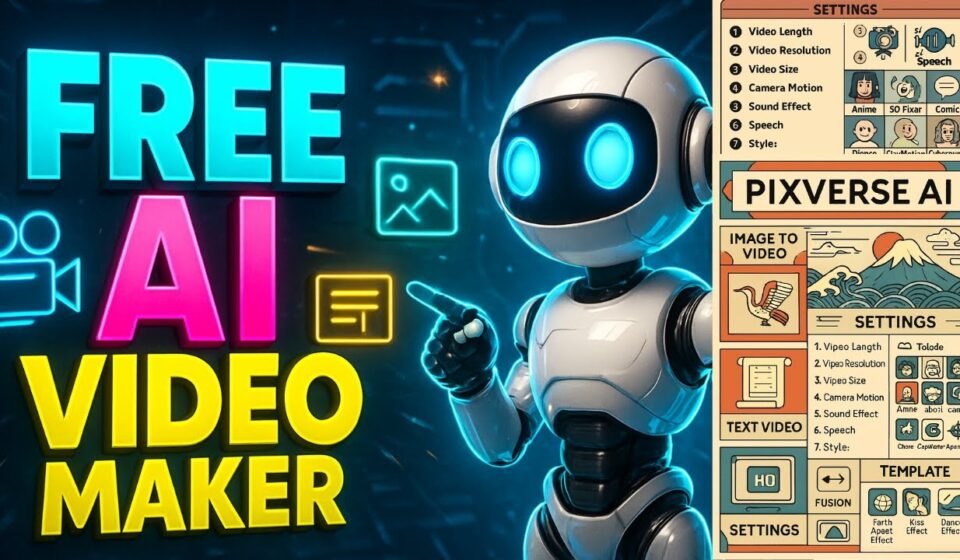

In a crowded social media landscape, visual content that grabs attention quickly and communicates a message clearly is essential. Whether you’re creating short clips for TikTok, Instagram Reels, YouTube Shorts, or promotional content for LinkedIn and Facebook, high-quality videos are a major differentiator. However, producing stunning video content traditionally required expensive tools, advanced editing skills, or outsourced production — all of which can be barriers for creators or small businesses.
Today, AI video generation is changing the game. Among the most innovative tools available is Pixverse AI, a cloud-based generative platform that lets users turn simple prompts, images, or text into dynamic videos with cinematic quality. With Pixverse AI, you can create attention-grabbing social media content without deep technical knowledge.
What Is Pixverse AI?
Pixverse AI is an AI-powered video generation platform that transforms text, images, or other inputs into visually compelling videos. It supports a range of creative formats, including auto-generated motion for static images, text-to-video conversion, and cinematic style enhancements — all powered by advanced machine learning to deliver smooth animation, natural motion, and high-quality visuals.
Unlike basic editing tools, Pixverse AI doesn’t require users to manually assemble clips, sync audio, or design animations — instead, you provide a descriptive prompt and let the AI handle the creative rendering. This makes it especially appealing for social media creators who want to produce short, engaging, trend-worthy content rapidly.
The tool has gained popularity across platforms because its generated videos often look polished enough for professional use, and its motion effects and cinematic visuals help content break through the noise more effectively than typical static posts or basic videos.
Why Use Pixverse AI for Social Media Content?
Social media thrives on short, captivating visuals. Videos that stop users from scrolling and encourage engagement are critical to success — but crafting them isn’t always easy. Here’s why Pixverse AI helps:
1. Rapid Production of Eye-Catching Content
You can generate videos in minutes instead of hours. Simply enter a prompt or upload a photo to get dynamic content that’s ready for sharing across multiple platforms.
2. Smooth Motion and Cinematic Quality
The AI produces natural animations and smooth transitions, giving your social media content a polished, professional appearance that rival traditional video campaigns.
3. Works Across Formats
Whether you’re creating an ad, a UGC-style clip, a product showcase, or a storytelling short, Pixverse AI adapts to various styles without requiring manual editing expertise.
4. Accessible for Beginners
Even if you’ve never edited a video before, Pixverse AI’s straightforward prompt-based system makes it easy to produce compelling clips. The focus is on creativity, not complex video tools.
5. Boosts Engagement
Social platforms prioritize video content, and AI-generated clips with cinematic movement and motion effects are more likely to capture attention and drive shares.
Getting Started With Pixverse AI
Here’s a step-by-step guide to begin creating standout video content using Pixverse AI:
1. Choose a Starting Point
Decide whether you want to generate a video from:
- Text prompt: Describe your idea in words.
- Image to video: Upload a static image you would like to animate.
Pixverse AI can turn either source into dynamic visuals that incorporate smooth motion and cinematic style.
2. Write Your Prompt
If using text, explain your vision clearly. Include details such as subject, setting, mood, camera motion, and style. For example: “Create a 10-second cinematic clip of a coffee brewing, with steam rising, soft warm light, and slow motion.” The more descriptive your prompt, the better the AI can interpret your idea.
3. Customize Visuals (Optional)
Depending on the interface you use (browser tool or platform), you may have options to adjust pacing, motion, aspect ratio, or visual effects before rendering.
4. Render and Download
Once your video is generated, view it to ensure it matches your vision. If needed, tweak the prompt and regenerate. When satisfied, download the clip and save it in a format compatible with your social platform.
5. Post and Optimize
Upload your video to TikTok, Instagram, YouTube Shorts, Facebook, or other platforms. Add captions, hashtags, and metadata to optimize reach.
Creative Ideas to Use Pixverse AI on Social Media
Using Pixverse AI opens up many creative opportunities. Here are ideas to inspire your next social posts:
1. Daily Inspiration Clips
Generate short inspirational videos using text descriptions of quotes or messages. These can be ideal for Reels, TikTok, or story formats.
2. Product Reveals and Showcases
Turn simple product photos into animated clips that showcase new features, changes over time, or creative perspectives.
3. Ads and UGC-Style Content
Create UGC-style advertisements that feel native to social feeds — showcasing experiences, reactions, or product benefits using AI motion.
4. Educational Snippets
Summarize key facts or tips through animated text and visuals, giving your audience valuable information in snackable video form.
5. Behind-the-Scenes Motion
Use static behind-the-scenes photos and animate them to show movement, transitions, or storytelling effects.
Best Practices for Social Media Video Creation With AI
To get maximum impact from Pixverse AI videos, apply these best practices:
1. Know Your Format
Each platform has optimal video lengths and aspect ratios. Keep TikTok and Reels videos punchy and vertical, while YouTube Shorts should be formatted accordingly.
2. Hook Viewers Fast
Use strong visual cues in the first two seconds to capture attention. Start with motion, contrast, or an engaging subject.
3. Optimize Prompt Detail
Highly detailed prompts often produce richer, more engaging outcomes from the AI. Include stylistic directions like “cinematic motion,” “vibrant colors,” or “smooth camera movements.”
4. Combine With Editing Tools
After generating a base video with Pixverse AI, you can refine clips using an best ai video generator app like Invideo to add captions, overlays, CTAs, or other branding elements that enhance performance. Invideo’s video tools allow creators to polish AI-generated content and prepare it for optimized social posting.
5. Test and Iterate
Not every video will go viral on the first try. Generate multiple versions of videos for similar topics, test different styles, and evaluate engagement results to refine future content.
Integrating Pixverse AI With Other Tools
While Pixverse AI excels at generating original motion and creative effects, combining it with other video editing tools expands possibilities. For example, after generating a base video with Pixverse AI, creators can import it into Invideo to add branded intros, subtitles, CTAs, or multi-clip sequences that strengthen campaign messages.
Invideo’s ecosystem includes video editing and scripting features that complement Pixverse AI output, giving creators a flexible workflow from concept to completed social content.
Using a combination of AI tools — one for generation and another for enhancement and finishing — helps content creators produce higher-impact videos that align with platform best practices and viewer expectations.
Conclusion
The power of AI video generation is reshaping how social media content is created. Tools like Pixverse AI enable creators, businesses, and marketers to produce visually engaging videos quickly, without complex editing skills or high production costs. By starting with simple text prompts or static images, you can generate eye-catching content that resonates on platforms like TikTok, Instagram, YouTube Shorts, and Facebook.
Whether you’re posting daily inspiration clips, product showcases, educational content, or UGC ads, Pixverse AI helps you stand out in a crowded digital environment. When paired with other tools like Invideo’s best ai video generator app to refine and polish your outputs, you can create professional-looking social content that drives engagement and growth.
Start exploring AI-powered video generation today and unlock new creative possibilities for your social media channels.